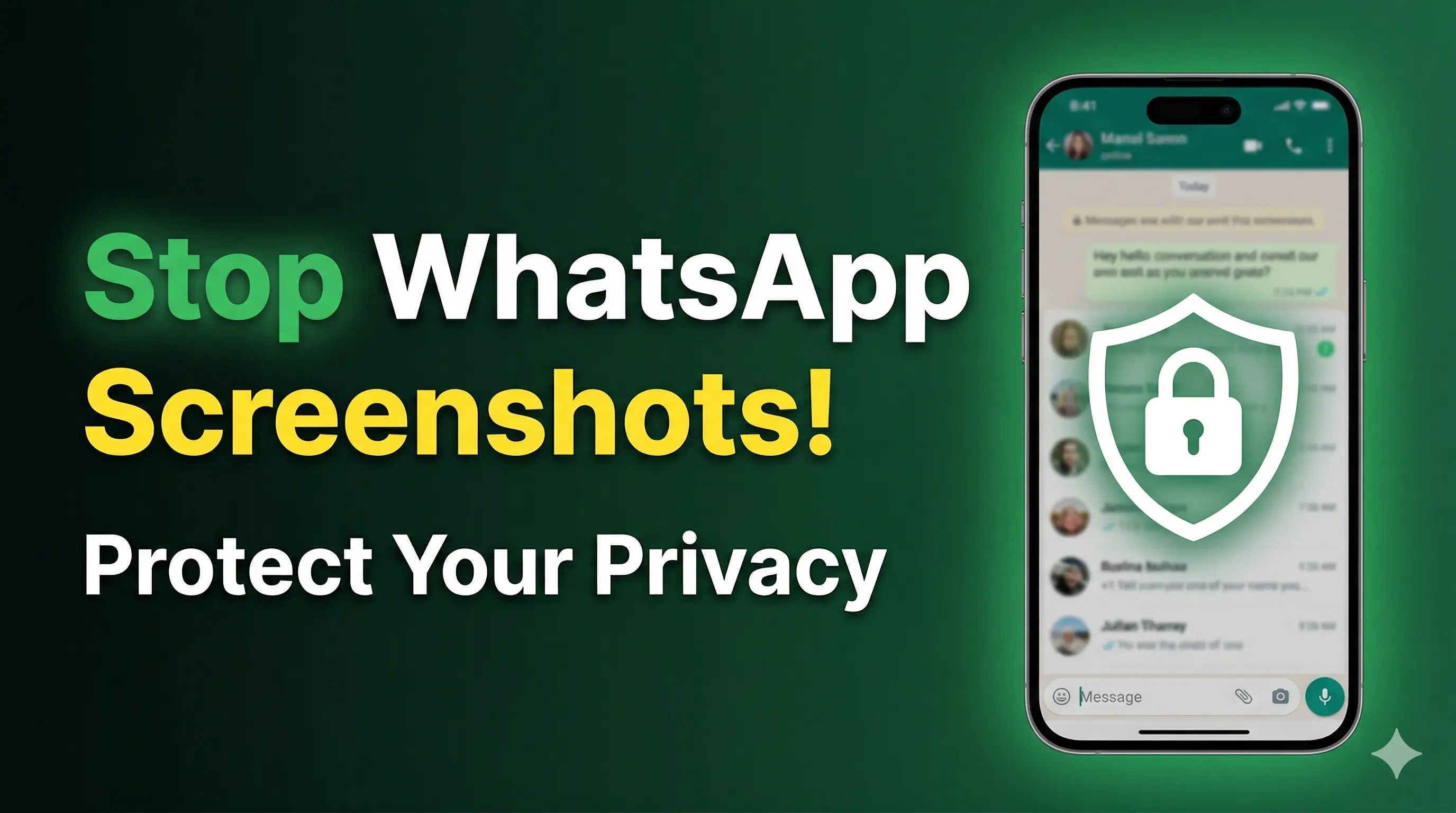

Many people are searching for ways to stop screenshots on WhatsApp. You might have seen videos claiming that: 👉 “Turn ON this setting and no one can take screenshots of your WhatsApp chats.â€
But let’s be honest… ⌠WhatsApp does NOT provide a full screenshot blocking feature (yet). ✅ However, there are smart privacy tricks you can use to protect your chats.
In this blog, we will share real and working methods to increase your WhatsApp privacy.
Important Truth About Screenshot Protection
Before we begin, understand this clearly:
- 👉 You cannot completely stop someone from taking screenshots
- 👉 But you can limit access and protect your data smartly
1. Control Who Can See Your Profile Photo
Your profile picture is the first thing people can screenshot. Securing it limits your public footprint.
Steps to secure it:
- Open WhatsApp
- Tap on 3 dots (top right corner)
- Go to Settings → Privacy
- Click on Profile Photo
Best option: Select My Contacts Except… and choose people you don’t trust. Now only selected people can see your photo.
2. Use Disappearing Messages
This is a powerful feature for privacy as it ensures no long-term data remains on the other person's device.
How it works:
- Open any chat
- Tap on the contact name
- Select Disappearing Messages
- Choose 24 hours (or your preferred time)
Tip:
3. Send Photos & Videos as “View Onceâ€
This is the best way to protect your media. View Once photos/videos can be seen only once and cannot be reopened.
Steps:
- Select a photo/video in a chat
- Before sending, tap the “1†icon (View Once)
- Send the message
Note:
4. Delete Messages for Everyone
If you send something by mistake, act quickly to remove it from the other person's device.
- Long press the message
- Tap Delete
- Select Delete for Everyone
Warning:Modified Apps Risk
5. Avoid Sending Sensitive Content
This is the most important rule of digital privacy. Even with all features, someone can take a photo of your screen using *another phone* or use secondary recording methods.
Golden Rule: Don’t share private content with unknown people and be extremely careful with personal data.
6. Check Suspicious Users (Advanced Tip)
Some users use modified WhatsApp versions to bypass privacy settings. While not 100% accurate, you can sometimes detect these users by initiating a group call and observing any unusual connection behavior or UI glitches.
Final Tips to Improve WhatsApp Privacy
- Enable Two-step verification
- Lock WhatsApp with fingerprint or Face ID
- Regularly check your privacy settings
- Avoid using public Wi-Fi for sensitive chats
Conclusion
There is no perfect way to stop screenshots on WhatsApp. But by using features like Profile Photo privacy, Disappearing Messages, and View Once media, you can strongly protect your digital identity.
Note:Privacy Mindset
Spread the Knowledge
If you found this guide helpful, share it with your network!
You Might Also Like
Handpicked guides and fixes related to what you just read.
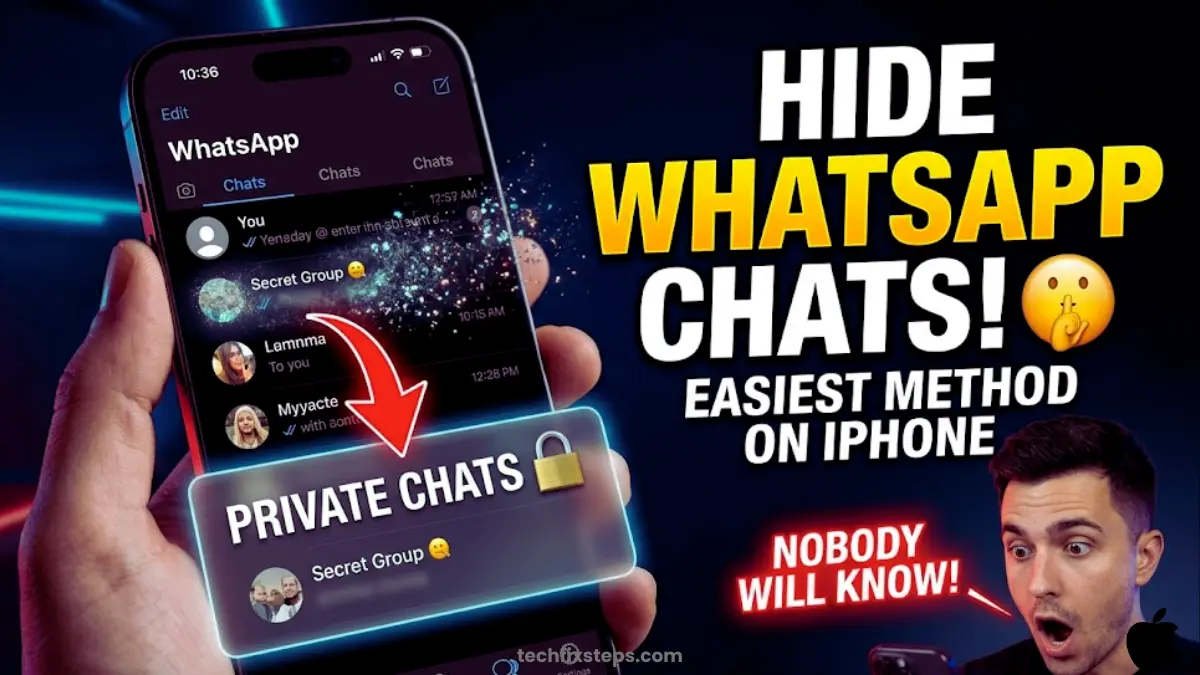
How to Lock WhatsApp Chat in iPhone (Easy Guide)
Learn how to easily lock your WhatsApp chats on your iPhone using Face ID, Touch ID, or a secret code for extra privacy and security.
Read more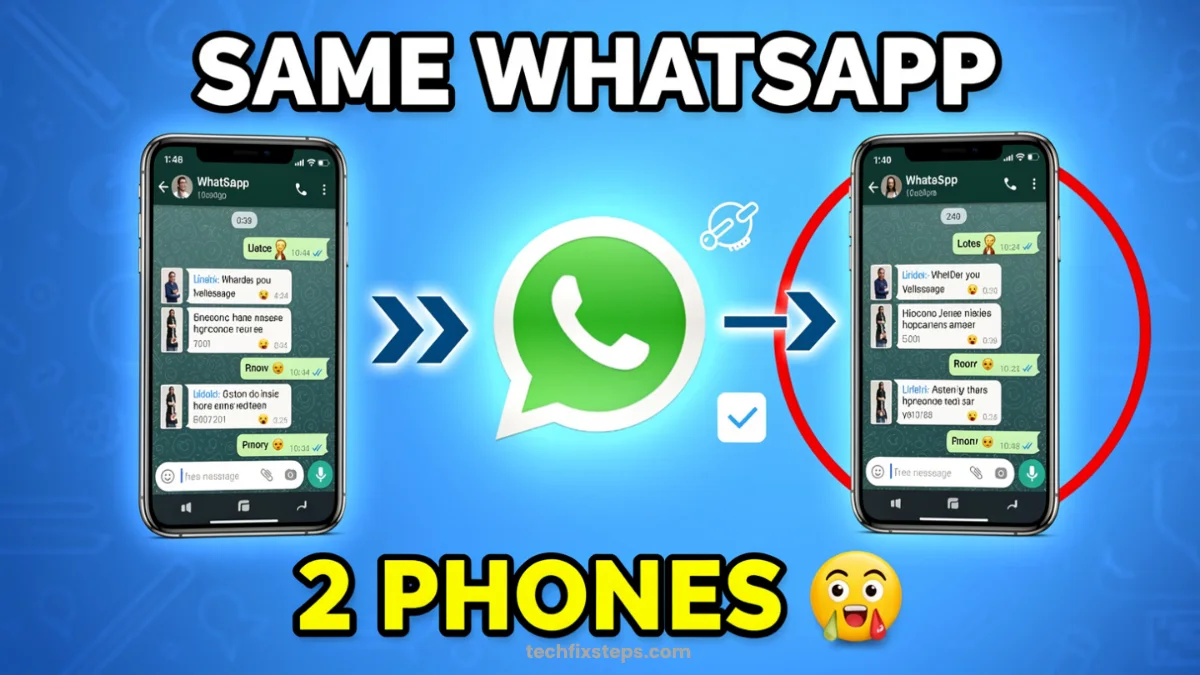
How to Use One WhatsApp on Two Phones Without QR Code (Easy Method)
Want to use the same WhatsApp account on two phones without scanning a QR code? Learn the official phone number linking method to sync your chats across devices easily.
Read more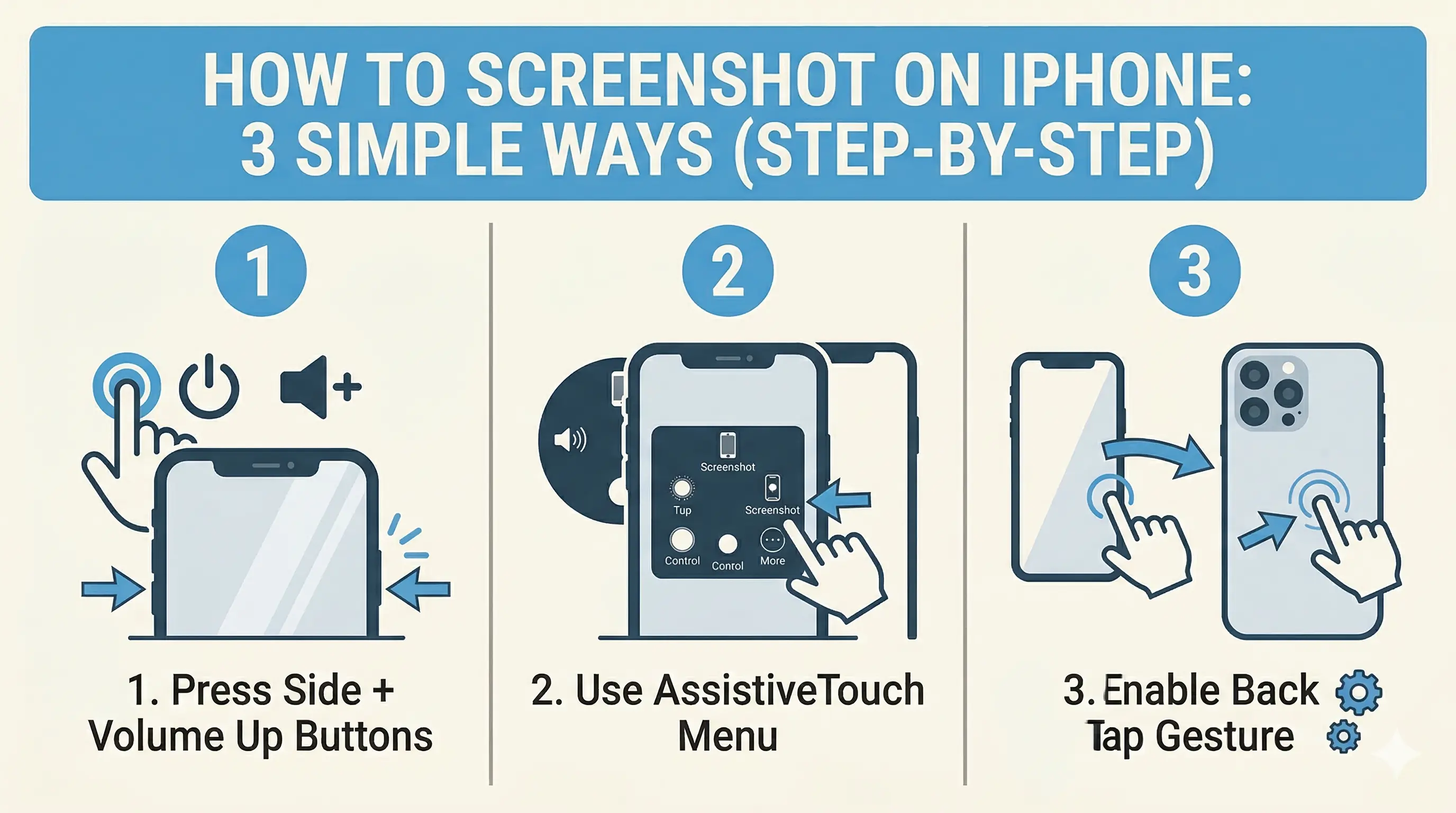
How to Screenshot on iPhone: 3 Simple Ways (Step-by-Step)
Capture your iPhone screen like a pro! Discover the hidden Back Tap feature, AssistiveTouch shortcuts, and the classic button method for seamless screenshots.
Read more
How to Transfer WhatsApp Data from Android to iPhone (3 Easy Methods)
Switching to iPhone? Learn 3 simple ways to transfer your WhatsApp chats, photos, and videos from Android to iOS safely without losing your memories.
Read more