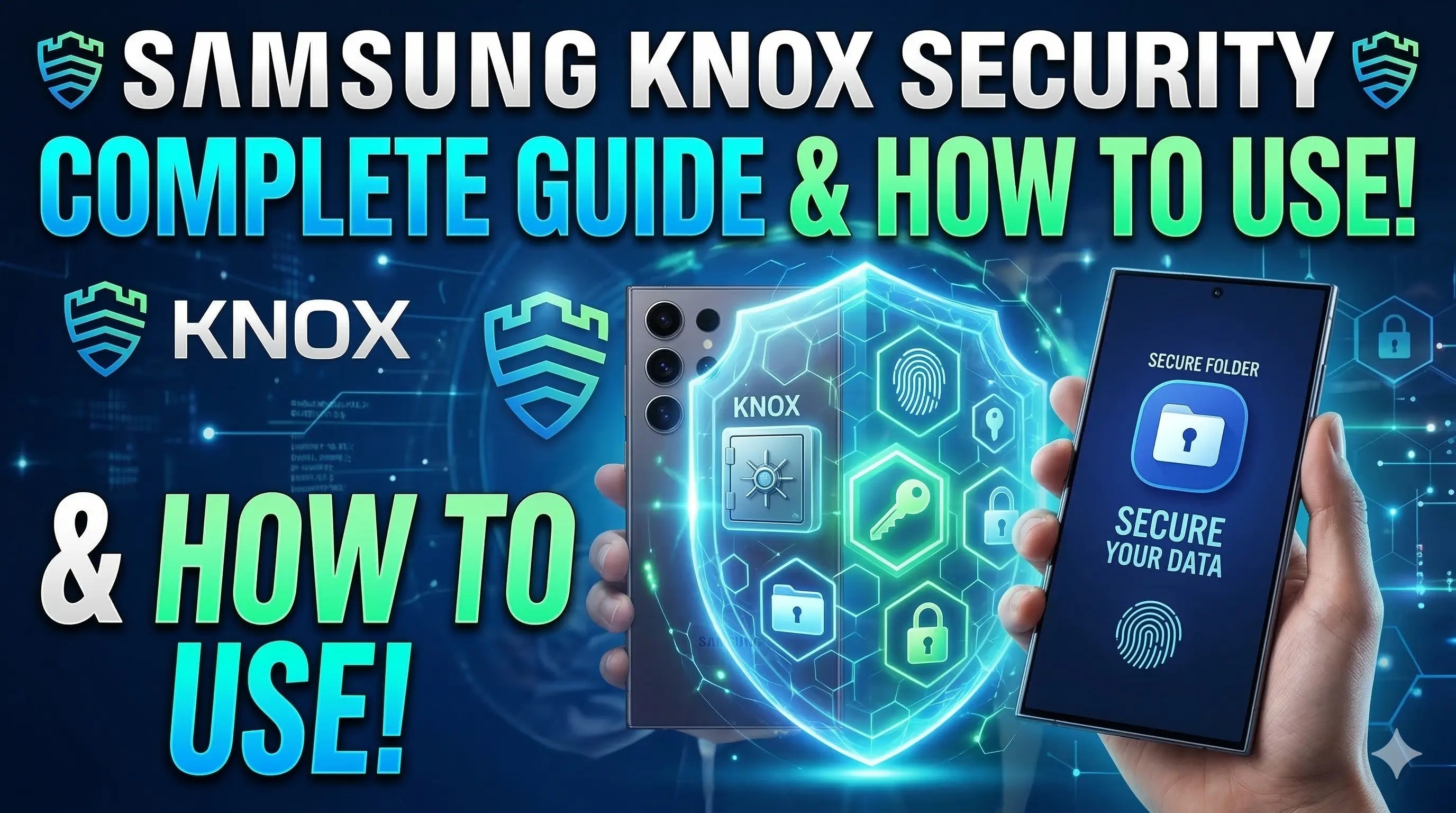

1. What is Samsung Knox Security
Samsung Knox is a defense-grade mobile security platform built into Samsung smartphones and tablets. It provides a highly secure environment for your data, separating it from the rest of the operating system to prevent unauthorized access.
It protects your device by:
- Preventing malware attacks
- Protecting sensitive data
- Monitoring system integrity
- Creating secure encrypted storage
Unlike regular security apps, Knox works directly from the hardware level, which makes it much more secure. It is trusted by businesses, government organizations, and millions of personal smartphone users worldwide.
2. How Samsung Knox Security Works
Samsung Knox uses multiple layers of protection to secure your phone, starting from the very moment you press the power button.
Hardware-Based Security
Knox protection starts when the phone turns on. The system uses a "Root of Trust" to verify whether the operating system has been modified or tampered with. If suspicious changes are detected (like unauthorized rooting), Knox prevents the device from booting normally or permanently disables access to sensitive services like Samsung Pay.
Real-Time Kernel Protection
Once your phone is running, Knox constantly monitors the Android kernel and system processes. This measurement-based approach helps to detect malware, prevent system modification, and block unauthorized apps in real-time.
Secure Storage (Knox Vault)
On modern Galaxy devices, Samsung Knox Vault provides a physical isolated environment for your most sensitive information, such as passwords, fingerprints, and banking data, keeping them safe even if the main processor is compromised.
3. Key Features of Samsung Knox
| Feature | Description |
|---|---|
| Secure Boot | Verifies system integrity during startup |
| Real-Time Protection | Detects malware and hacking attempts |
| Secure Folder | Private encrypted storage for apps and files |
| Data Encryption | Protects personal information |
| Enterprise Security | Allows businesses to manage devices securely |
4. How to Use Samsung Knox Secure Folder
Secure Folder is the most commonly used Knox feature for personal security. it creates a separate, encrypted space where you can store private apps, documents, and photos that are invisible to the rest of the phone.
Steps to Use Secure Folder:
- Open Settings on your Samsung phone
- Scroll down and tap Biometrics and Security (or Security and Privacy)
- Tap Secure Folder
- Sign in with your Samsung account
- Choose a lock method (PIN, Pattern, Password, or Fingerprint)
After setup, the Secure Folder icon will appear on your Apps screen. You can then move any file or app into it.
5. Step-by-Step Guide to Enable Samsung Knox
Follow these steps to ensure all Knox security features are active on your device.
Open Settings
Navigate to the main settings menu on your Galaxy device from the app drawer or notification shade.
Security & Privacy
Scroll down and select "Security & Privacy" or "Biometrics and Security" depending on your software version.
Launch Secure Folder
Tap on "Secure Folder". You will be prompted to click 'Continue' to begin the encrypted setup process.
Samsung Account
Sign in with your Samsung account. This links your Knox security profile to your global identity.
Set Lock Method
Select and set a unique PIN, password, or fingerprint lock for your Secure Folder vault.
6. Benefits of Samsung Knox Security
Using Samsung Knox offers several advantages for both casual users and professionals:
- Strong Device Protection: Defends against rootkits, malware, and sophisticated hacking attempts.
- Privacy Protection: Encrypts photos and messages away from standard apps.
- Work/Life Balance: Allows you to run separate instances of apps (like WhatsApp) for work and personal use.
- Enterprise-Grade: The same level of security used by government agencies is available for your personal data.
7. Devices That Support Samsung Knox
Most modern Samsung Galaxy hardware released in the last 5-7 years supports Knox. This includes:
- Galaxy S Series (S20, S21, S22, S23, S24 and newer)
- Galaxy Note Series (Note 10, Note 20)
- Galaxy Z Fold and Z Flip Series
- Galaxy A Series (A52, A53, A54, A55 etc.)
- Galaxy Tab S and Tab A tablets
8. Conclusion
Samsung Knox is one of the most advanced mobile security systems available. By combining hardware-level isolation with real-time software monitoring, it ensures that your private information remains private. Features like Secure Folder provide an easy and intuitive way to safeguard your most sensitive documents.
If you own a Samsung device, we highly recommend enabling these features today to keep your digital life protected from evolving threats.
Spread the Knowledge
If you found this guide helpful, share it with your network!
You Might Also Like
Handpicked guides and fixes related to what you just read.

What is Google Play Store in Android & How to Open an Account
Learn everything about the Google Play Store, from its essential features to a complete step-by-step guide on creating and setting up your Google account for Android 📲.
Read more
A Complete Guide to Backing Up WhatsApp Chats on Your Android Phone
Don't lose your precious memories! Learn how to securely back up your WhatsApp chats, photos, and videos to Google Drive on your Android phone with our simple step-by-step guide.
Read more
How to Free Up Storage on Android Phone Without Deleting Anything
Running out of storage on your Android phone? Learn how to reclaim space without deleting any photos, videos, or apps using simple built-in tools and smart tricks.
Read more
How to Use One WhatsApp on Two Phones Without QR Code (Easy Method)
Want to use the same WhatsApp account on two phones without scanning a QR code? Learn the official phone number linking method to sync your chats across devices easily.
Read more