
Battery draining fast? This is a common problem for many smartphone users. Even when you are not using your phone much, the battery keeps going down. This happens because many features keep running in the background.
In this blog, I will share 5 simple and effective tips to help you save battery and improve your phone’s performance.
1. Turn Off Bluetooth Background Activity
Many people think turning off Bluetooth is enough—but that’s not always true. Some Bluetooth-related services still run in the background for location accuracy and device discovery.
What to do:
- Go to Settings
- Open Bluetooth settings (or Location > Scanning)
- Turn off Bluetooth scanning or background permissions
Tip:
2. Turn Off Vibration
Vibration consumes more battery than you think. Every time your phone vibrates, it uses a small motor that requires significant power compared to a simple ringtone.
What to do:
- Go to Settings → Sound & Vibration
- Turn off:
- Vibration for calls
- Vibration for notifications
- Haptic feedback (keyboard vibration)
Tip:
3. Manage App Notifications
Many apps keep sending notifications all the time. Apps like shopping platforms, social media, and games run in the background just to ping you with updates.
What to do:
- Go to Settings → Notifications
- Turn off notifications for unnecessary apps
- Keep only important ones (like messaging or work apps)
Tip:
4. Use Dark Mode or Black Wallpaper
Your display is usually the biggest battery consumer. If your phone has an AMOLED or OLED screen, black pixels are actually turned off, consuming zero power.
What to do:
- Enable Dark Mode system-wide
- Use a pure black or very dark wallpaper
Tip:
5. Enable Optimized Charging
Charging habits also affect long-term battery health and daily efficiency. Most modern phones have a feature that learns your routine to avoid overstressing the battery.
What to do:
- Turn on Optimized Battery Charging in your battery settings
- Avoid keeping your phone at 100% for long hours (like overnight)
Tip:
Bonus Tip: Reduce Background Apps
Many apps run in the background even when not in use. Manually closing them isn't always best (as restarting them uses more power), but restricting their background activity is highly effective.
Solution: Restrict background activity for power-hungry apps in your battery settings.
Conclusion
Battery drain issues are usually caused by small settings that we ignore. By following these 5 simple tips—turning off Bluetooth scanning, disabling vibration, managing notifications, using dark mode, and enabling optimized charging—you can significantly improve your battery life.
Note:Final Advice
Spread the Knowledge
If you found this guide helpful, share it with your network!
You Might Also Like
Handpicked guides and fixes related to what you just read.

15+ Hidden iPhone Settings You Should Turn On Right Now (2026 Guide)
Unlock the full potential of your iPhone 17 or older with these 15+ hidden settings. Improve security, extend battery life, and boost your productivity with secret iOS features you probably didn't know existed.
Read more
How to Find the Best Snapchat Filters for Your Selfies in 2026
Discover the most popular Snapchat filters in 2026. Learn how to find, use, and save the best lenses for your selfies and videos.
Read more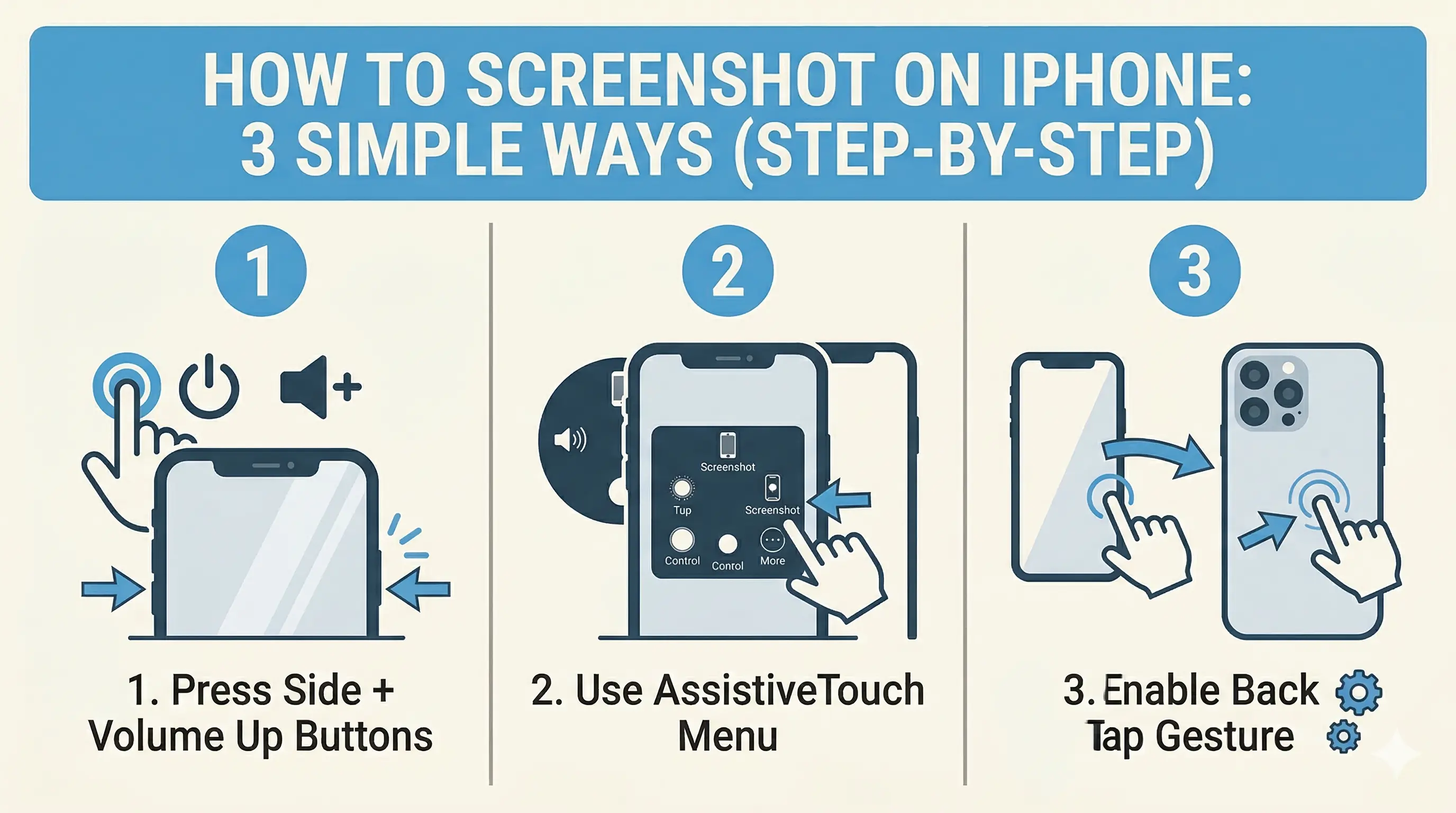
How to Screenshot on iPhone: 3 Simple Ways (Step-by-Step)
Capture your iPhone screen like a pro! Discover the hidden Back Tap feature, AssistiveTouch shortcuts, and the classic button method for seamless screenshots.
Read more
What Is Google Passkey? The Password-Free Login Feature Explained
Tired of forgetting passwords? Google Passkey lets you log in securely using your fingerprint, face unlock, or phone PIN. Learn how it works and how to use it.
Read more