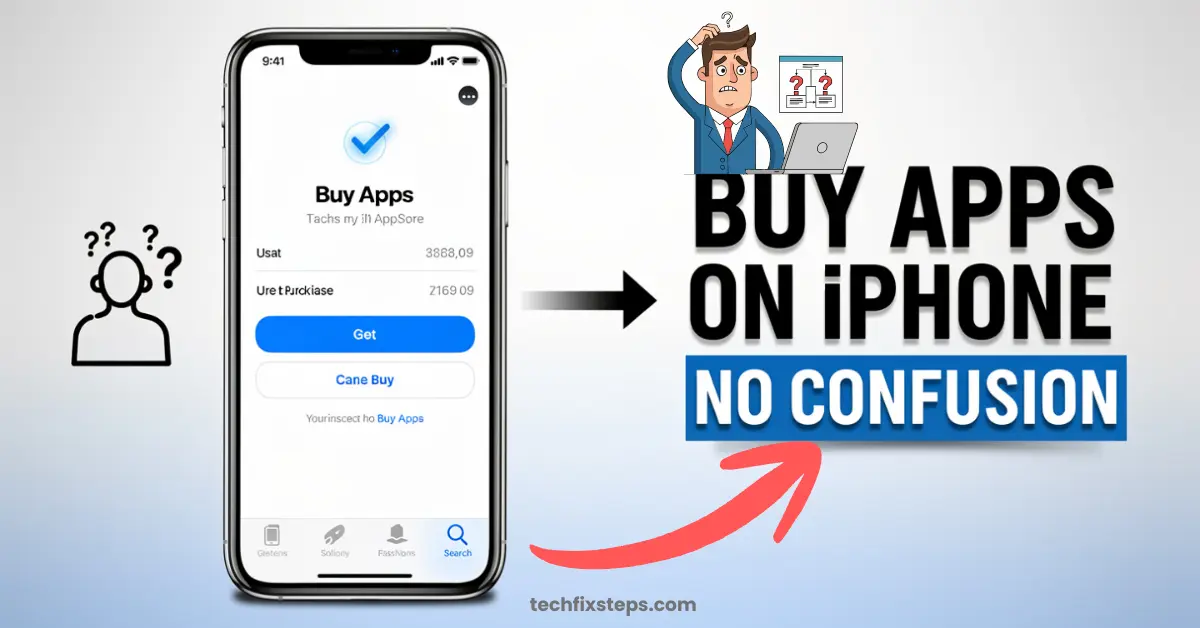

Buying an app from Apple is simple, but you need a few things set up first—like an Apple ID and a payment method. Here’s a clear, step-by-step guide for beginners to help you navigate the App Store with confidence.
1. Requirements Before Buying an App
Before purchasing, make sure you have the following ready:
- An Apple ID (your official Apple account).
- Signed into your device with your Apple ID.
- A payment method added to your account (credit/debit card, UPI, or Apple balance).
- A stable internet connection via the App Store.
2. How to Buy an App on iPhone or iPad
- Open the App Store.
- Search for the app you want and tap on it.
- Tap the price button (or “Get†if the app is free).
- Confirm your purchase using Face ID, Touch ID, or your Apple ID password.
After confirmation, the app will begin downloading automatically to your home screen.
3. How to Buy an App on Mac
- Open the App Store on your Mac.
- Find the app using the search bar or categories.
- Click the price button.
- Enter your Apple ID password or use Touch ID to verify.
- The app will install automatically and appear in your Applications folder and Launchpad.
4. Add or Change Payment Method
If you encounter issues during purchase, you may need to update your info. On iPhone/iPad:
- Open Settings and tap your Apple ID (Name) at the top.
- Tap Payment & Shipping.
- Tap Add Payment Method.
- Enter your payment details (Cards, UPI, etc.) and tap Done.
Note:Regional Payment Options
5. Common Issues and Fixes
- Payment Failed: Check your card details and ensure you have sufficient balance.
- “Verification Requiredâ€: This usually means you need to update or re-verify your payment method in Settings.
- Cannot Download: Check your internet connection, restart your device, or try signing out and back into the App Store.
6. Final Tips
- Always download apps from the official App Store only to stay safe.
- Check ratings and reviews before making a purchase.
- Use Family Sharing to share purchased apps with family members at no extra cost.
- Keep your Apple ID password secure and never share it.
Conclusion
Purchasing an app on Apple devices is quick and secure. Once your Apple ID and payment method are set up, you can download any app in just a few taps or clicks, expanding the capabilities of your iPhone, iPad, or Mac.
Spread the Knowledge
If you found this guide helpful, share it with your network!
You Might Also Like
Handpicked guides and fixes related to what you just read.
iPad Stuck on Apple Logo? Here is How to Fix it Instantly in 2026
Is your iPad frozen on the Apple logo or not responding? Follow our comprehensive guide to troubleshooting common iPad issues, performing a hard reset, and getting your device back to normal without losing data.
Read more
No Wi-Fi? How to Use Your iPhone as a High-Speed Hotspot
Learn how to turn your iPhone into a powerful Wi-Fi router. Share your mobile data with laptops, tablets, and other devices in just a few simple steps.
Read more
A Complete Guide to Backing Up WhatsApp Chats on Your iPhone
Don't lose your precious memories! Learn how to securely back up your WhatsApp chats, photos, and videos to iCloud on your iPhone with our simple step-by-step guide.
Read more
Fix iPhone Hanging & Slow Network with a Force Restart
Is your iPhone freezing or stuck? Learn the official and safe method to force restart any iPhone model to fix hanging, network glitches, and performance issues instantly.
Read more