

Introduction
Imagine having a virtual employee who can find freelancers, send messages, schedule meetings, organize files, and even generate content—all by itself. This is now possible with Claude AI tools like Claude CoWork and Claude Code.
In this guide, you will learn how Claude works, how entrepreneurs use it to save time and money, and how to set it up step by step.
1. What is Claude AI and How It Works
Claude is an advanced AI assistant that can perform tasks like:
- Writing messages
- Finding data online
- Managing files
- Automating workflows
It works like a real assistant, but faster and more efficient.
2. Real Example: Using Claude as a Virtual Employee
One powerful use case is hiring freelancers automatically. Here’s how it works:
- Claude searches platforms like Fiverr
- Filters profiles based on your requirements
- Selects the best candidates
- Writes personalized messages
- Sends outreach messages automatically
For example, you can give a prompt like:
Tip:Example Prompt
Claude will handle everything—from search to outreach.
3. How to Install Claude CoWork
To start using Claude CoWork, follow these steps:
Step 1: Get a Paid Plan
Claude CoWork is not available for free. You need to upgrade to a paid plan.
Step 2: Download the Claude App
Install the official Claude desktop application. CoWork works inside the app (not browser).
Step 3: Open CoWork Mode
Once installed, you will see options like Chat, CoWork, and Code. Select CoWork to start automation tasks.
4. Claude CoWork vs Claude Code
| Feature | Claude CoWork | Claude Code |
|---|---|---|
| Target Users | Entrepreneurs | Developers |
| Use Case | Business tasks | App development |
| Coding Required | No | Yes |
| Automation | Yes | Advanced automation |
| Complexity | Easy | Technical |
Note:
5. Top Features of Claude CoWork
File Management
Claude can access your local files and find unused files, suggest what to delete, or organize folders automatically.
Task Scheduling
You can create automated tasks like daily AI news summaries, scheduled reports, or reminders and updates.
Connectors (Apps Integration)
Claude can connect with apps like Gmail, Google Calendar, and Google Drive. Example: You can say "Schedule a meeting at 2 PM" and Claude will create it in your calendar.
Mobile Control (Dispatch Feature)
Even if you are away from your laptop, Claude can send notifications to your phone, allowing you to give input remotely while tasks continue running.
6. Using Claude for Business Automation
Claude can automate complete workflows. For example:
- Find leads (businesses without websites)
- Collect contact details
- Store data in Google Sheets
- Send personalized emails
- Track replies
All of this can be done with simple prompts.
7. Real Use Cases
1. Freelancer Hiring
Find candidates, filter profiles, and send outreach messages automatically.
2. Lead Generation
Example prompt: "Find 5 dog clinics without a website and provide contact details." Claude will search Google Maps, extract phone numbers, and identify potential clients.
3. Marketing Automation
Analyze ads data, generate reports, and create content on the fly.
8. What are Claude Skills
Skills are like training modules for AI. They allow Claude to perform specific tasks better. Example skills include:
- Motion graphics generation
- Brand guidelines
- CV design
- Marketing automation
Skills are created using a file (like skill.md) that defines what the skill does, how it works, and instructions for execution.
Chrome Extension
The Claude browser extension is one of the most powerful features. It can read your current screen, analyze dashboards, extract data, and automate tasks directly in the browser.
Example Use Case: Open invoices and ask Claude "Create a financial report in Google Sheets." Claude does everything automatically.
10. Benefits for Entrepreneurs
- Save Time: Tasks that take hours can be done in minutes.
- Reduce Costs: No need to hire multiple employees for basic tasks.
- Automation at Scale: Handle hundreds of leads, messages, and tasks easily.
- Smart Decision Making: Get insights from data instantly.
11. Final Thoughts
Claude AI tools like CoWork and Code are changing how businesses operate. From hiring freelancers to generating leads and automating workflows, Claude can act like a full-time digital employee.
For entrepreneurs and founders, this means more productivity, lower costs, and faster growth. If used correctly, AI tools like Claude can become a powerful asset for scaling your business efficiently.
Spread the Knowledge
If you found this guide helpful, share it with your network!
You Might Also Like
Handpicked guides and fixes related to what you just read.
8 Essential AI Tools to Master in 2026: Boost Your Productivity and Income
By 2026, the challenge isn't finding an AI tool — it's finding the ones that actually work. Discover the 8 essential AI tools to master this year to boost your productivity.
Read more
How to Use Google Gemini AI: Complete Beginner's Guide
New to Google Gemini? Learn how to install it on Android, iPhone, or PC, use voice input and the live camera, generate AI images, and get direct answers — no tech experience needed.
Read more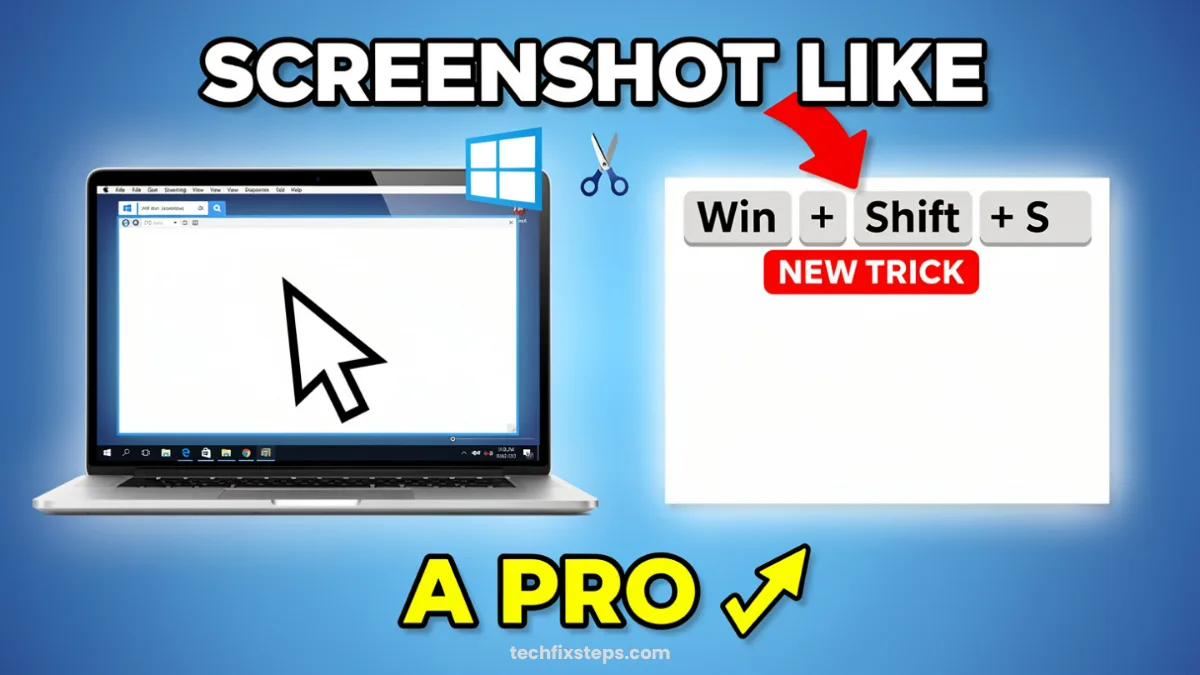
How to Take Better Screenshots on Windows (3 Easy Tricks)
Master Windows screenshots like a pro! Learn powerful shortcuts for custom captures, auto-saving, and even full-page scrolling screenshots in Microsoft Edge.
Read more
How to Make Windows 11 Faster (3 Easy Settings for 2026)
Boost your Windows 11 performance and productivity in minutes. Learn how to enable Clipboard History, clean up Alt + Tab, and activate the hidden Window Shake feature.
Read more